
YetiExport
Export every WooCommerce customer, registered and guest, to a clean CSV with contact details, order count and lifetime spend. Includes a bonus YetiRaffles integration for promo competition sign-ups.

About YetiExport
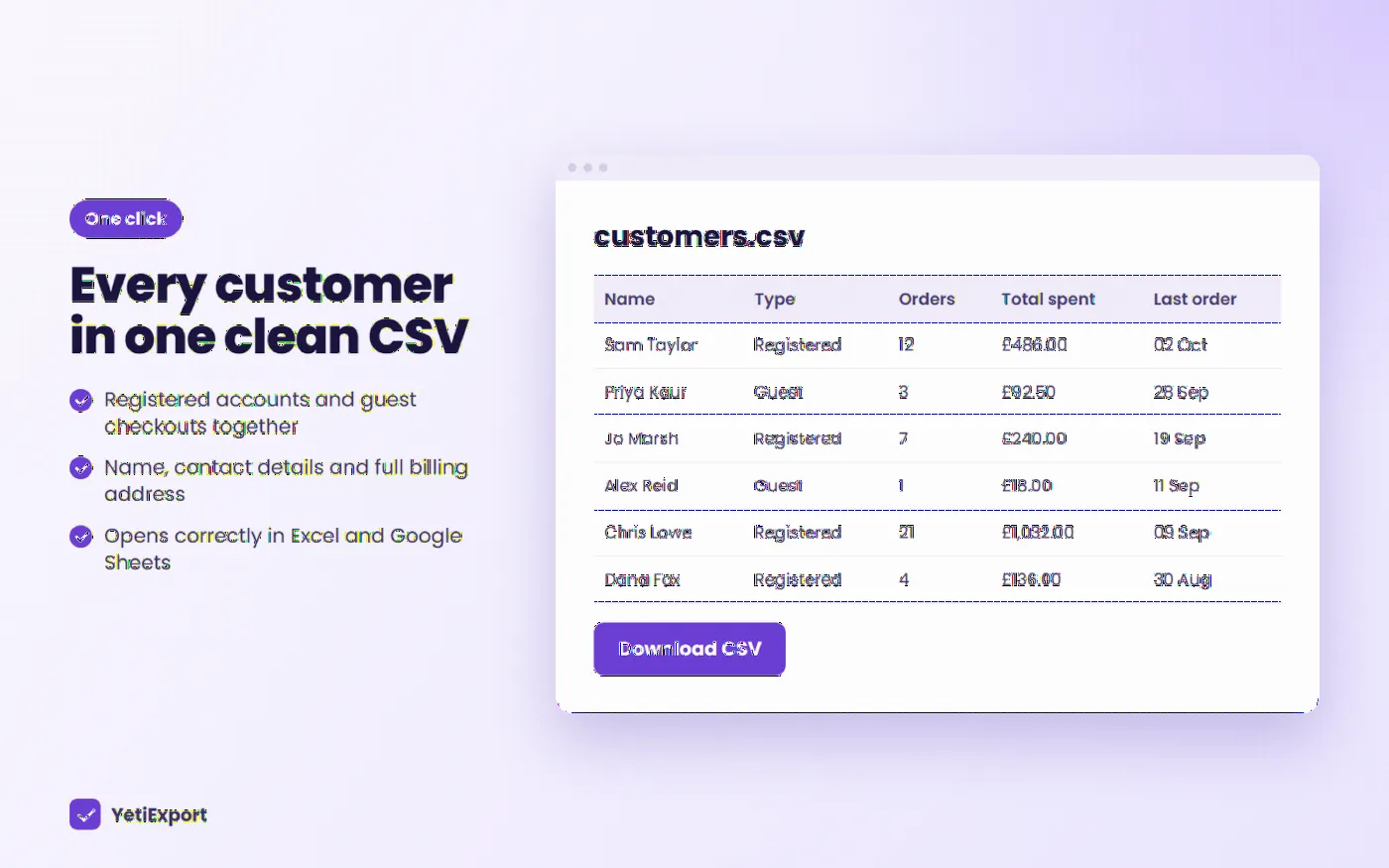
YetiExport gives you a complete, accurate list of your WooCommerce customers in one click. Registered accounts and guest checkouts are combined into a single CSV, with full contact details, billing address, order count and lifetime spend, ready for Excel, Google Sheets, your email platform or your CRM.
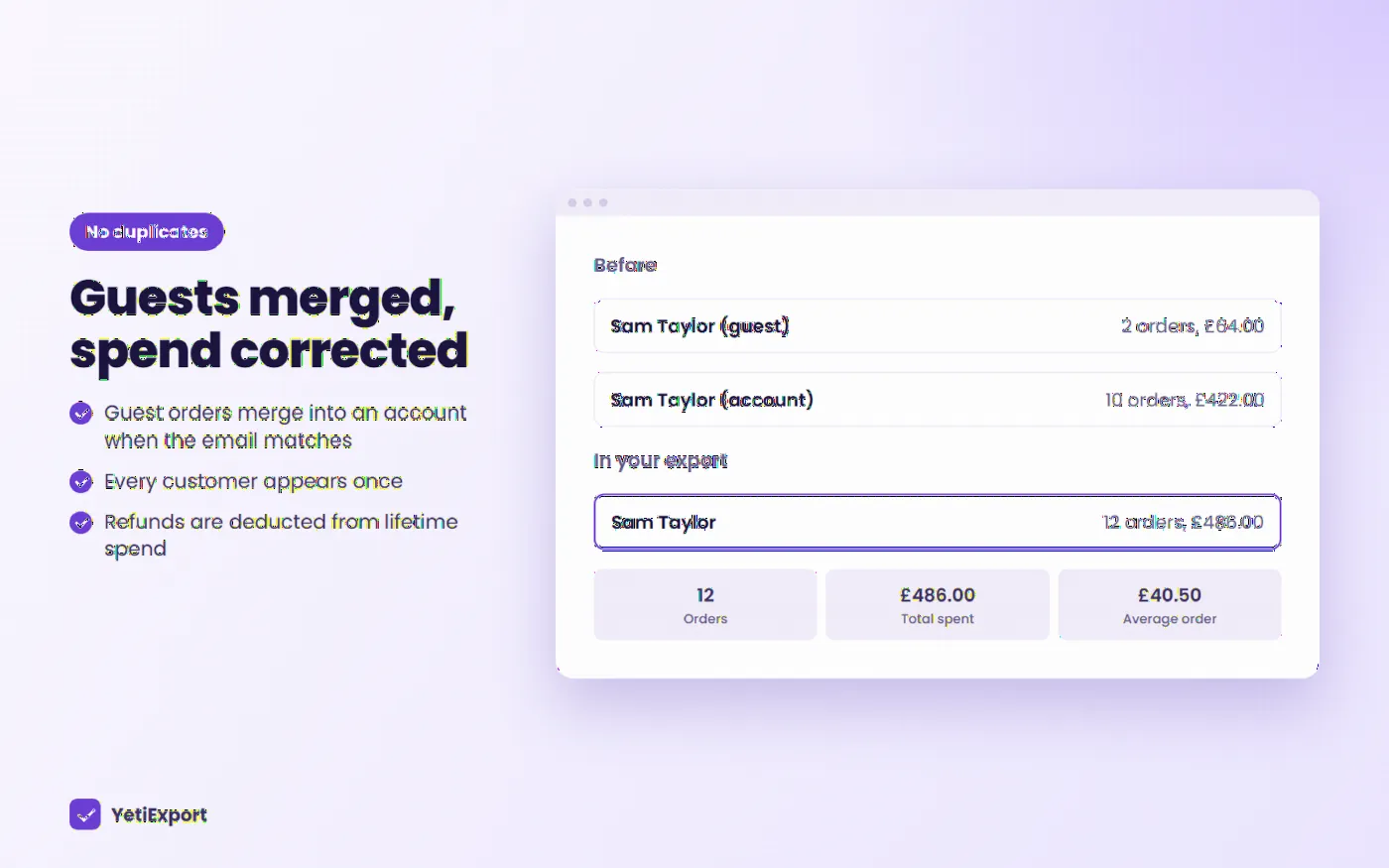
YetiExport includes guest customers and automatically merges guest orders into a registered account when the email address matches, so every customer appears once with their true lifetime value.
Export columns
Customer ID, Customer Type, First Name, Last Name, Full Name, Email, Phone, Company, Address Line 1, Address Line 2, City, County / State, Postcode, Country, Date Registered, Order Count, Total Spent, Average Order Value, First Order Date, Last Order Date, Promo Sign-up.
Key features
One-Click Customer Export
Download a clean CSV of your WooCommerce customers straight from the WooCommerce menu.
Registered and Guest Customers
Exports both account holders and guest checkouts. Guest orders are automatically merged into a registered account when the email matches, so no duplicates.
Complete Contact Details
Name, email, phone, company and full billing address, with country names written out in full.
Lifetime Spend Insights
Order count, total spent, average order value, first and last order dates. Refunds are automatically deducted.
Powerful Filters
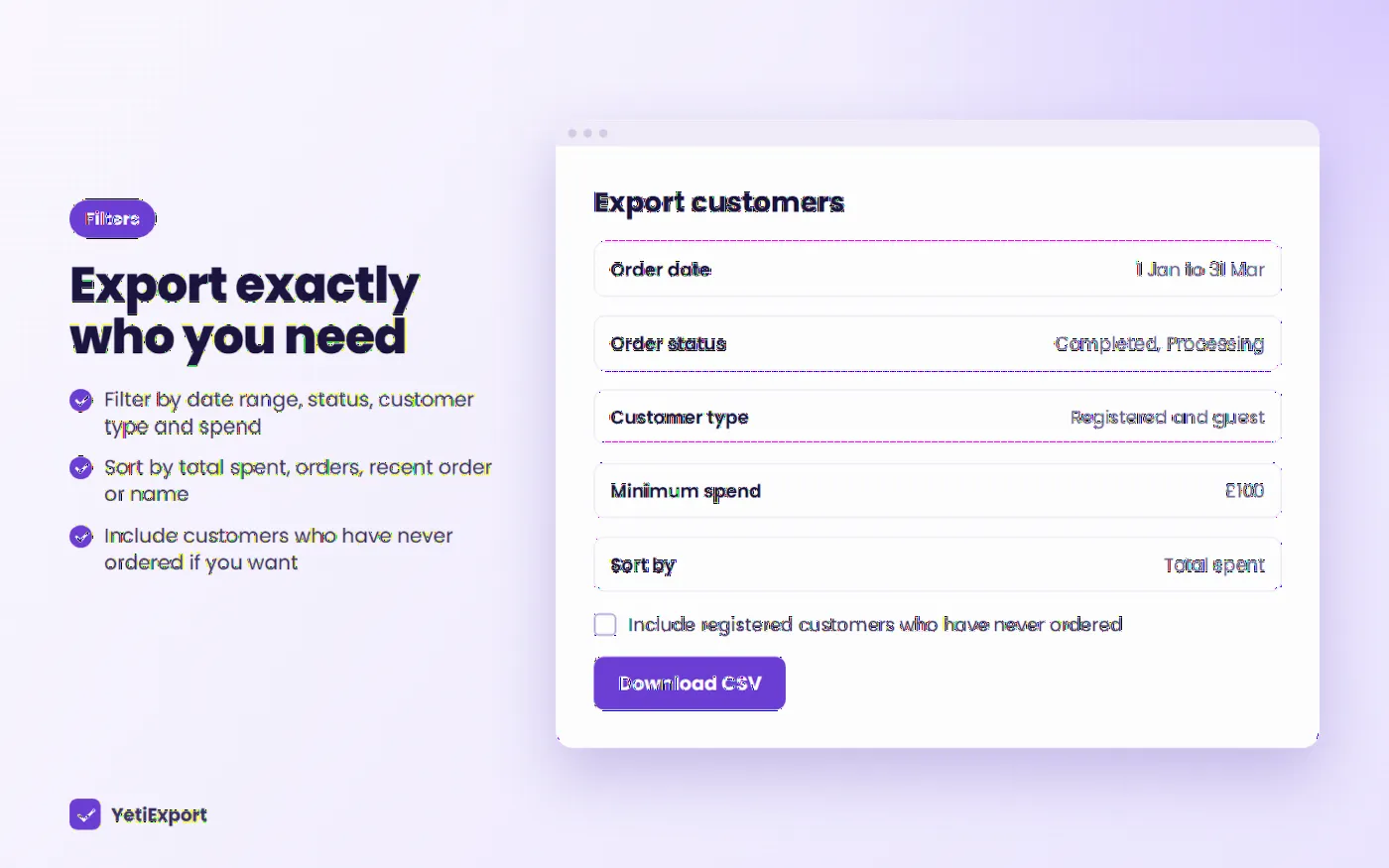
Filter by order date range, order status, customer type and minimum spend. Optionally include registered customers who have never ordered.
Flexible Sorting
Sort by total spent, order count, most recent order or name.
Choose Your Columns
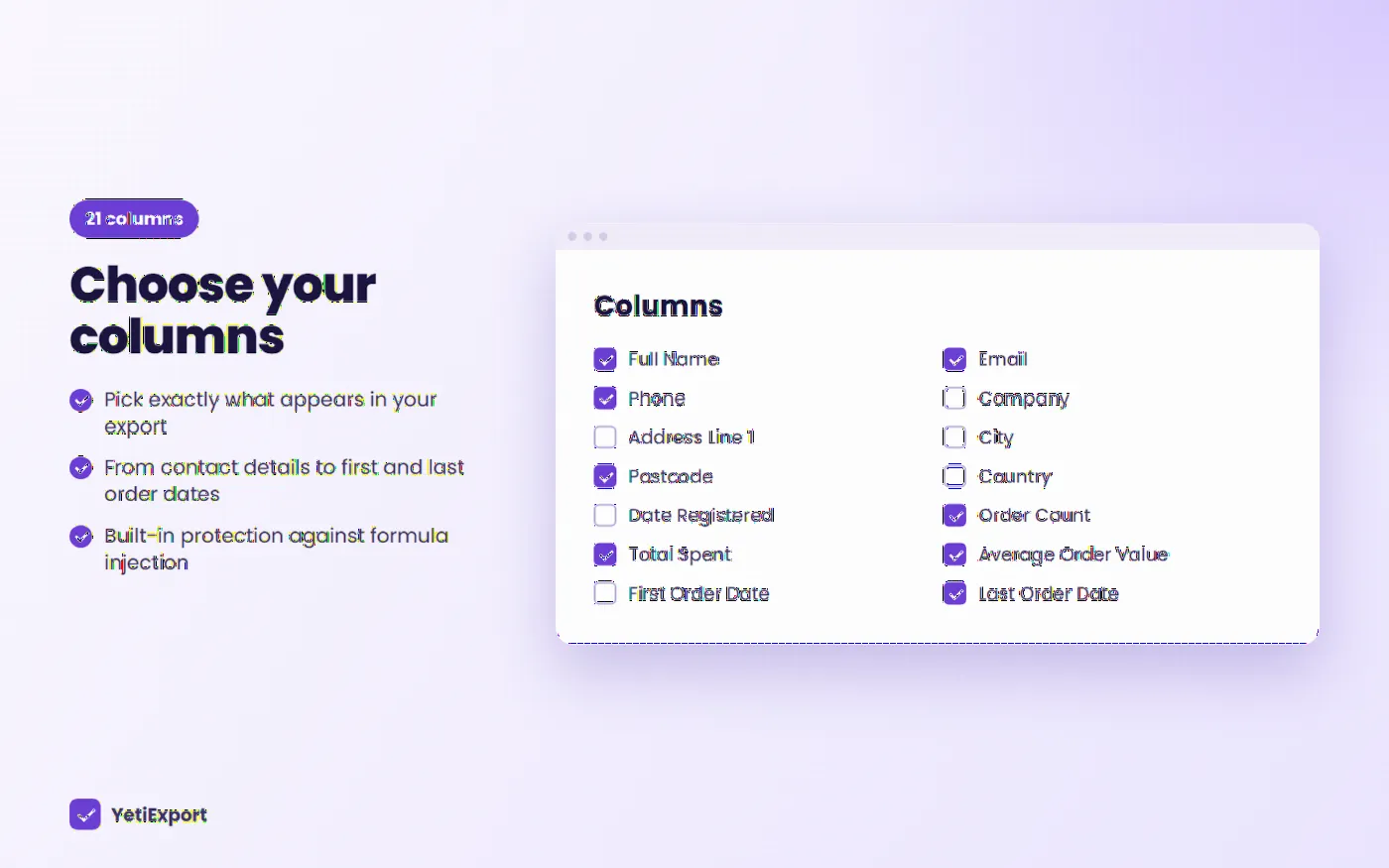
Pick exactly which of the 21 available columns appear in your export.
YetiRaffles Bonus Integration
Running YetiRaffles? Export shows which promo competition each customer signed up through, plus a dedicated "Promo sign-ups only" export for following up new customers.
Efficient Exports
Orders are read in batches and contact details are loaded one customer at a time. Memory use grows with the number of customers in the export, not the number of orders - very large customer lists may need a higher PHP memory limit or a narrower filter.
Excel Ready
UTF-8 CSV that opens correctly in Excel and Google Sheets, with built-in protection against formula injection.
HPOS Compatible
Fully supports WooCommerce High-Performance Order Storage as well as classic order storage.
Secure by Design
Restricted to shop managers and administrators, with nonce-protected downloads.
How it works
Filter
Choose a date range, order status, customer type and minimum spend.
Pick columns
Choose which of the 21 columns you want and how to sort them.
Download
Get a UTF-8 CSV that opens correctly in Excel and Google Sheets.
See it in action
Select any image to see it full size.
Requirements
- WordPress 5.8 or higher
- WooCommerce 6.0 or higher
- PHP 7.4 or higher
Help and documentation
All 8 guidesFrequently asked questions
What is YetiExport?
A WooCommerce extension that exports your customers - registered and guest - to a CSV with contact details, order count and lifetime spend.
Do I need WooCommerce?
Yes. YetiExport reads your WooCommerce orders and customers, so WooCommerce must be installed and active.
Do I need YetiRaffles?
No. YetiRaffles is an optional bonus integration that adds promo sign-up data. Everything else works on any WooCommerce store.
Does it support HPOS?
Yes. YetiExport works with both High-Performance Order Storage and classic (posts table) order storage, and detects which one your store uses automatically.
Does it slow my site down?
No. YetiExport only does anything when you click Download CSV. It adds nothing to your shop's front end.
Are guest customers included?
Yes. Guests are grouped by billing email and merged into a registered account when the email matches.
Are refunds taken into account?
Yes. Refunded amounts are subtracted from each customer's total spent.
Does Total Spent include shipping and tax?
Yes. It uses the full order total, the same figure the customer paid.
Can I schedule automatic exports?
Not in this version. Exports are run manually from the YetiExport page.
Can I export to Excel format (.xlsx)?
YetiExport creates a CSV file, which opens directly in Excel, Google Sheets and Numbers. Use "Save As" in Excel if you need an .xlsx file.
Does it save my filter choices?
No. The page always opens with the default options, so every export starts from a known state.
Who can export customer data?
Only users with the manage_woocommerce capability - Administrators and Shop Managers by default. Every download is also protected by a security nonce.
Is the export file stored on my server?
No. The CSV is generated on the fly and sent straight to your browser. Nothing is saved on the server.
Is it GDPR compliant?
YetiExport only exports data you already hold in WooCommerce. How you store and use the exported file is up to you - treat it as personal data, keep it secure, and only send marketing to customers who've consented.
Guides from the blog
Ready to get started with YetiExport?
Export every WooCommerce customer to a clean CSV
Works well with


Yeti Delivery Slots
Delivery and collection time slots for WooCommerce
Plugin news, straight from the Yeti
New plugins, big updates and launch offers. No spam, and you can leave at any time.